
Amazon 04-21-2020
SN: 0W7DG5F0122383
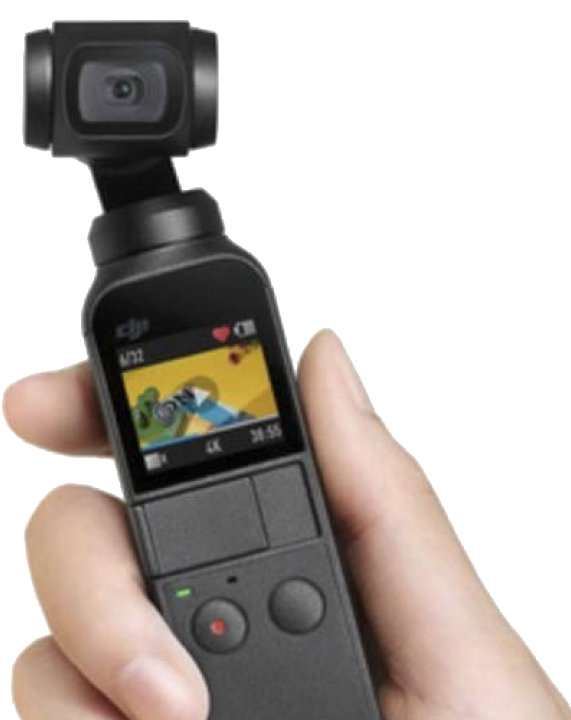
https://www.dji.com/support/product/osmo-pocket
Active Track
Ideal for creating dynamic shots of stationary objects!
Swipe up to select follow mode
Double tap subject
Move camera closer, farther or side to side to add dynamic movement to clip
Exposure Compensation
W/O phone attached:
- Tap pro icon on upper left corner
- Tap ”auto” exposure on the lower left quadrant.
- on the right side of the screen, dial in the exp comp.
W phone attached:
- Tap a point on the screen to focus: you see a yellow box with line appear.
- At the top or bottom of the line you should see a sun icon. Place the finger on the line and drag up along the line to increase exp or down to reduce exp.
This should also work in majority of available modes.



0 Comments