
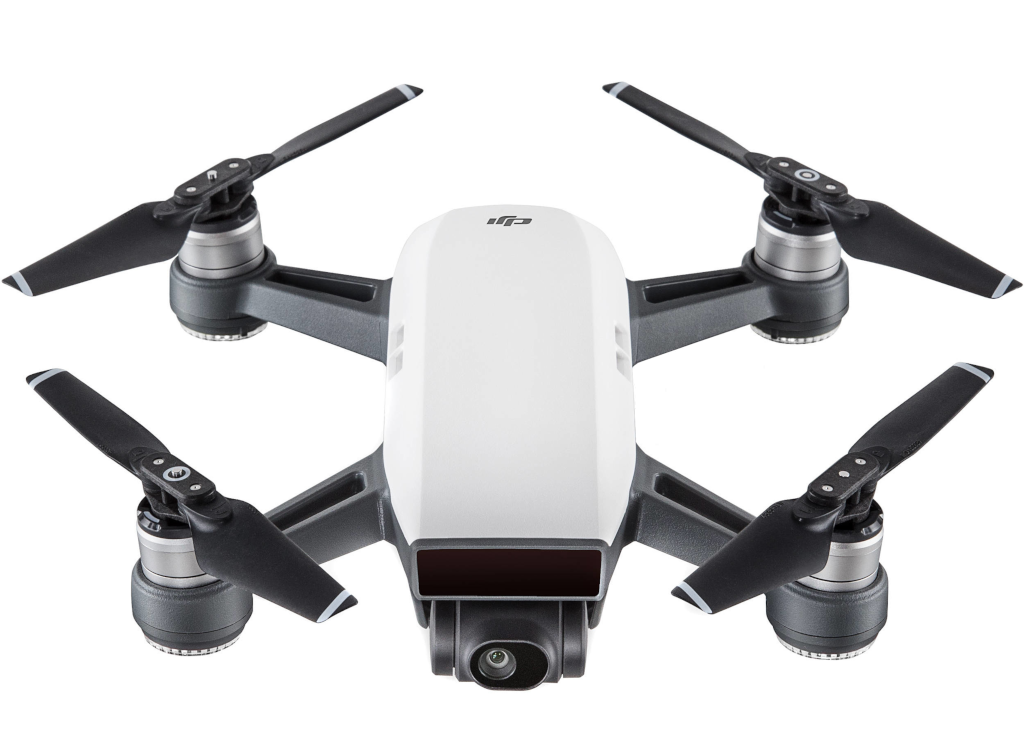
Compass Calibration:
- Choose an open area to conduct the compass calibration.
- Tap the Aircraft Status bar in the app and select "Calibrate", then follow the on-screen instructions.
- Hold the aircraft horizontally and rotate 360 degrees. The aircraft status indicators will go solid green.
- Hold the aircraft vertically with the nose pointing downward, and rotate it 360 degrees around the center axis.
- Recalibrate the aircraft if the status indicators blink red.
If the status indicators blink red and yellow after the calibration procedure, move your aircraft to a different location and try again.
IMU Calibration:
- Make sure that the Aircraft and Remote Controller battery is more than 50%.
- Turn on Remote Controller and connect to the Mobile Device.
- Place the Aircraft on a level surface.
- Turn on the Aircraft.
- Launch DJI Go app and go to Main Controller settings > Advanced Settings> Sensors> IMU Calibration> Start Calibration.
- The calibration process will take about 5 minutes. Please wait for the confirmation on DJI Go app.
- IMU Calibration will fail if the aircraft is not positioned according to the instruction on DJI GO app.
- If calibration fails, restart the aircraft and calibrate the IMU again.
Also, please do try to re-link your remote controller and your aircraft to make sure that they both have a fresh connection again. Please do follow the guide below.
Linking the Remote Controller:
- Power on the aircraft and the remote controller. Wait until the aircraft status indicators blink yellow. Ensure that the remote controller is within 20 cm of the aircraft during linking.
- Press and hold the power button of the Intelligent Flight Battery for three seconds. Release the button after hearing a single beep. The Front LEDs will blink red.
- Press and hold the Flight Pause button, the Function button, and the Customizable button simultaneously.
Linking begins when the alarm becomes a quick single beep after an alternating single/double beep. - Then the front LEDs turn solid red after blinking green. When the status LED on the remote controller turns solid green, linking is complete.



0 Comments