
Amazon 06-10-2026
SN: BTLA3ABDBGAUGT
Film Filters
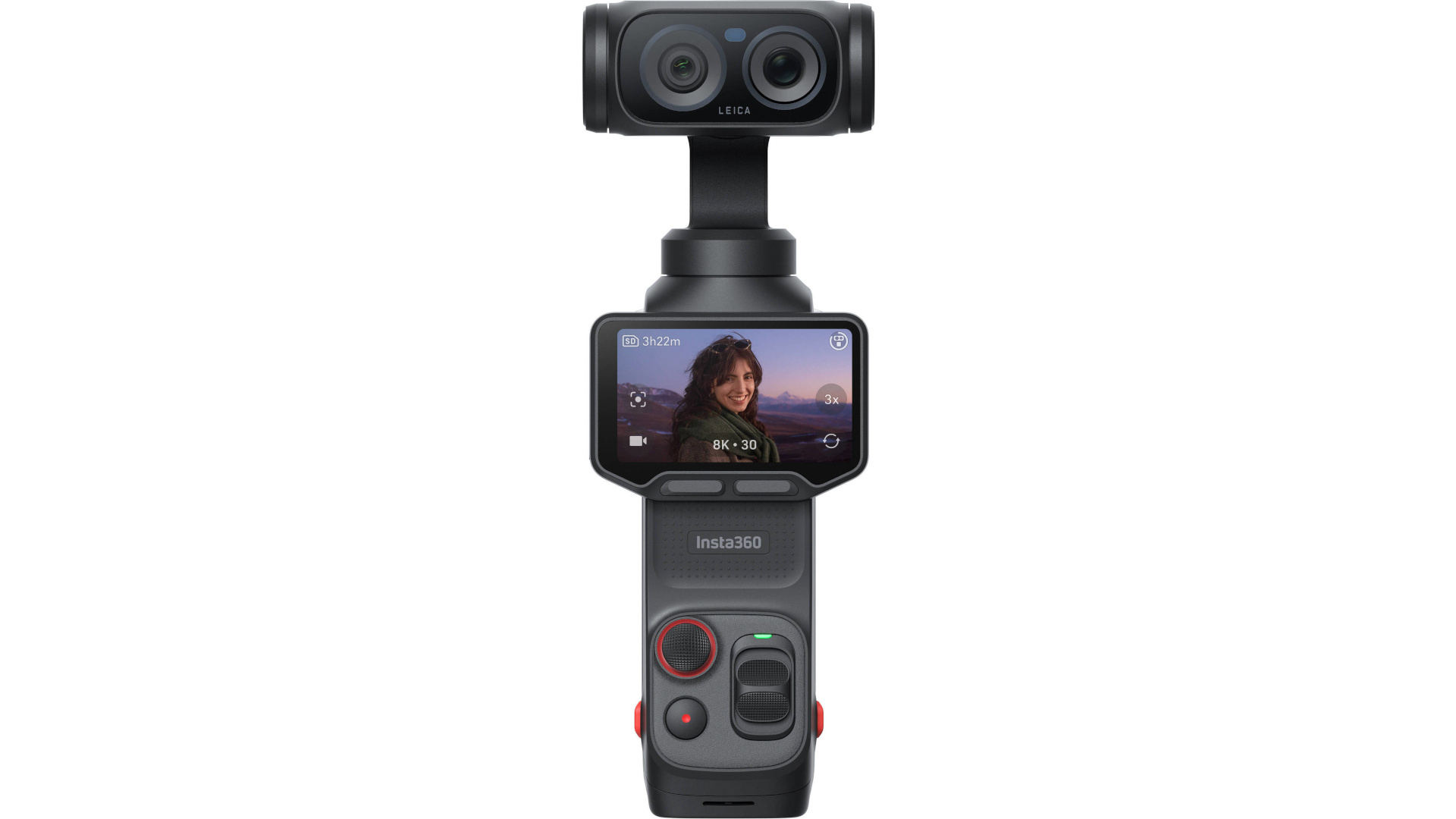
You can access these color presets by swiping left on the Luna Ultra's screen to bring up the exposure settings and tapping the "Filter" icon. The camera categorizes them into two main styles:
1. Leica Color Profiles (Co-engineered with Leica)
Leica Natural: Maintains highly accurate, realistic, and lifelike colors without over-saturation. Perfect for true-to-life portraits and everyday vlogging.
Leica Vivid: Boosts saturation and contrast for a punchy, vibrant image that immediately catches the eye.
Leica Chrome: A specialized aesthetic that tweaks contrast and shadow roll-off, delivering a distinct, photographic film quality.
2. Cinematic & Film Tone Filters
These filters emulate iconic vintage film stocks and moody cinema looks
Pos Film (Positive Film): Provides a high-contrast, vivid color response reminiscent of classic slide film.
Neg Film (Negative Film): Delivers a softer contrast curve and slightly shifted hues, mimicking traditional print film negatives.
NC Film & CC Film: Cinematic presets often preferred for street photography or vlogging; these inject stylized color casts (like warm tones or muted teals into the shadows) to build instant atmosphere.
Pos Film, Fresh, and Cinematic: Standard movie-style grading filters that alter the white balance and tone curve for a more dramatic, less "digital" video feel.
Action 4 Footage Look
Standard, EV -1 WB, Manual 5600, Saturation 4, Contrast 3


0 Comments