
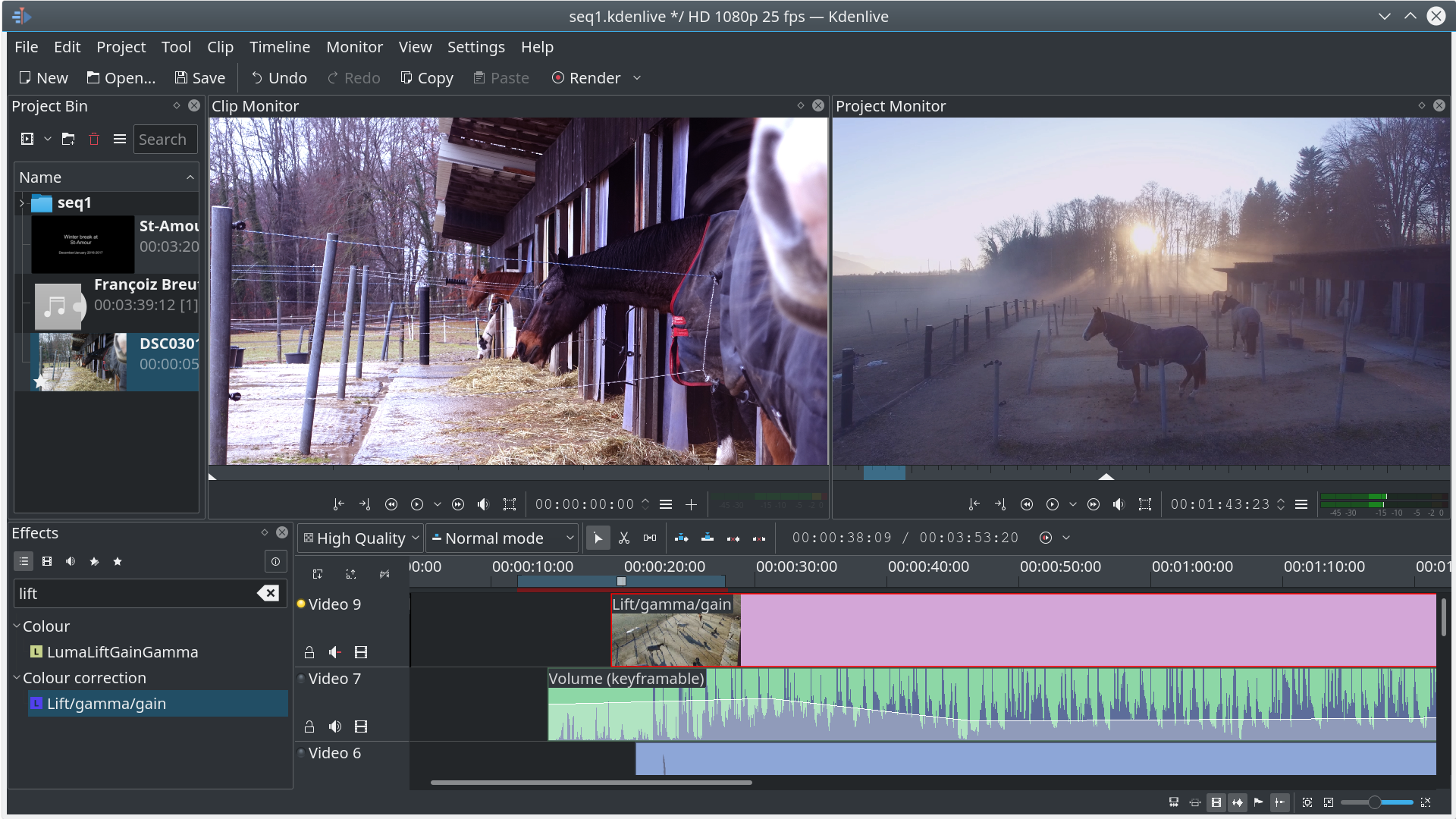
Video color correction: adjusting properties in the right order
Color correction is the initial phase of post-production that aims to fix color inaccuracies and create a natural-looking, consistent baseline for your footage. Establishing this neutral base is crucial before moving on to the more artistic phase of color grading, where you can apply creative looks and enhance the mood of your video.
Here's a common and effective order to adjust video properties in the color correction process:
1. White balance
Start by correcting the overall color temperature of the footage, ensuring that whites appear neutral and free from unwanted color casts (e.g., yellowish or bluish hues). You can achieve this using the white balance tool in your editing software or manually adjusting the temperature and tint sliders.
2. Exposure
Next, address the overall brightness of the image, making sure that details are visible in both the darkest shadows and the brightest highlights. Tools like the histogram and waveform monitor can help you check and adjust exposure levels by manipulating brightness, shadows, and highlights sliders.
3. Contrast
Adjust the contrast to add depth and dimension to your video. You'll want to balance the difference between the light and dark areas without "crushing" the blacks or "blowing out" the whites, which means losing detail in those areas. Using curves or contrast ratio controls can provide precise adjustments.
4. Color balance/tint
Fine-tune the overall color balance by adjusting color balance controls or RGB curves to remove any lingering color casts and achieve a more natural look. Pay attention to how changes affect skin tones and other elements in the shot.
5. Saturation
Finally, adjust the saturation to control the intensity of colors in the video. Be mindful of not over-saturating skin tones or other elements, as this can make them appear unnatural. Remember, a highly-saturated color has a lot of pure color in it and very little gray.
In essence, you're working from broad adjustments to more refined details during color correction. It's important to understand that these steps may require some iteration – changes made in one step might necessitate revisiting earlier adjustments. The goal is to achieve a consistent and natural baseline across all your footage before proceeding to the creative artistry of color grading.


0 Comments